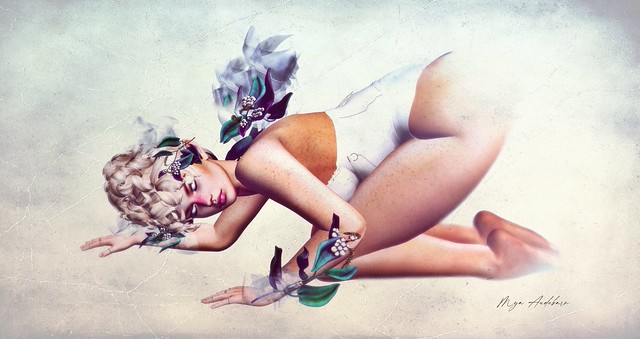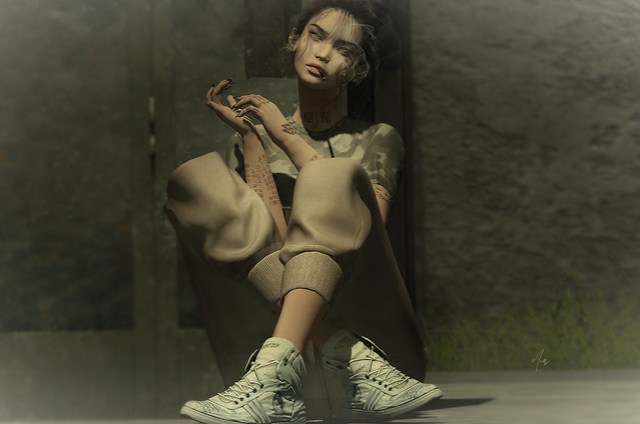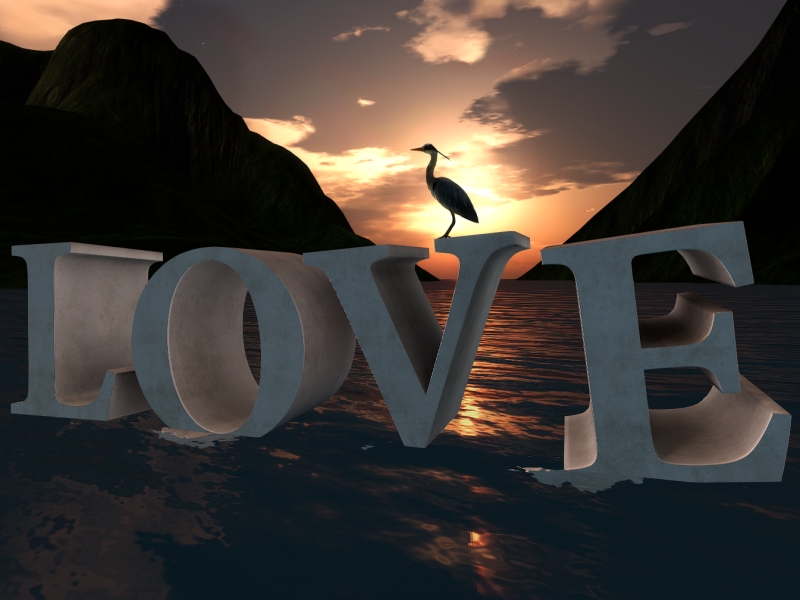
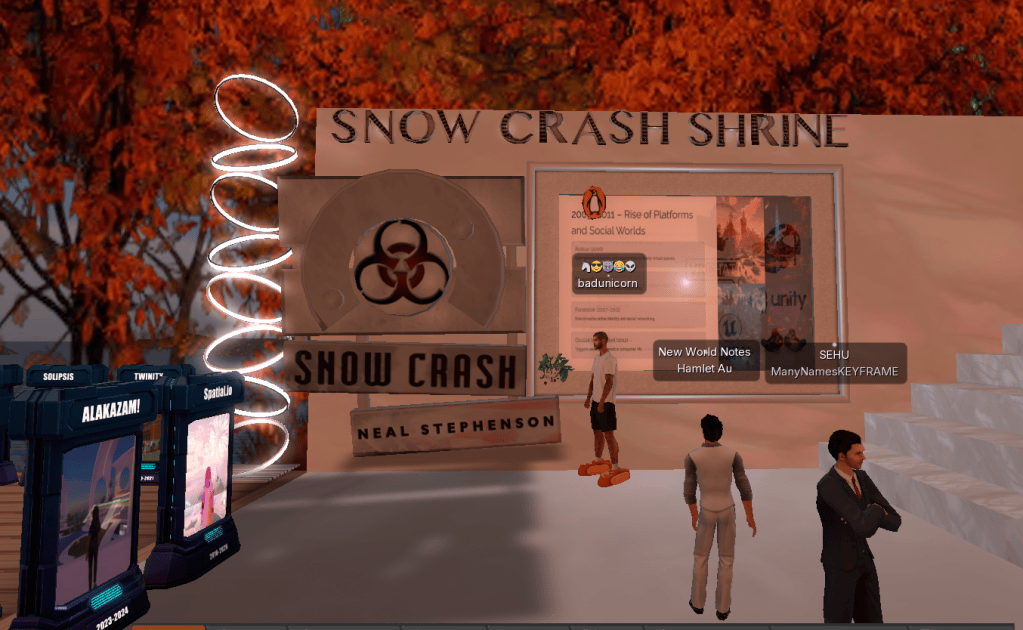
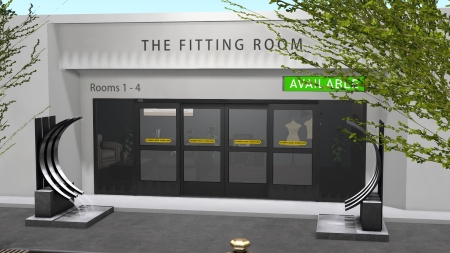
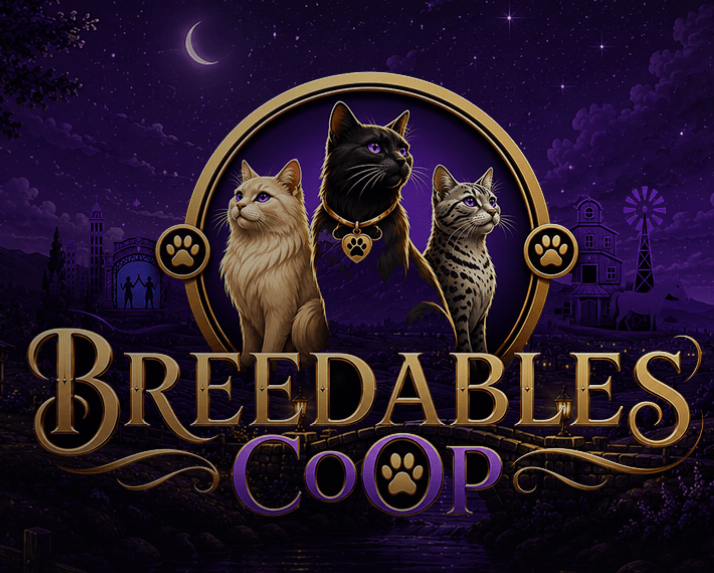
One bright thing. #midjourney #midjourneyAi pic.twitter.com/0gy6imYdPK
— Arden_AiArt (@mj_arden) August 24, 2022
https://platform.twitter.com/widgets.js
SLer Kala Bijoux has been playing around with Midjourney, the AI image generator featured as an art tool here last week, posting many of the most amazing results to her Twitter account. She very helpfully sent along some tips for people getting started with the platform:
1) Troubleshooting: If you are having trouble with the website or Discord log out and log back in again. This has solved 99% of the problems I've had when setting people up.
2) Check out the community page on the Midjourney website for prompt ideas and for examples of how people are writing their prompts. I find this a very useful way to see what words and phrases people are using to get specific looks. The community is currently a bit divided on people just copying the prompt completely without changing or tweaking it. Some people don't care because they feel it is a recipe (and you will never get the exact same image as the first person), while others feel like they spend a lot of time crafting the perfect prompt and dislike people copying it. I usually change it a bit (or a lot!) to suit my needs.3) Play with aspect ratios! The default image is a square, but you can change the image's aspect ratio by adding ' –ar ' and then the aspect ratio at the end of your prompt. One of my favorite aspect ratios is 9:16 so I would write –ar 9:16 at the end of my prompt. For example, one prompt might be "evil queen's castle on a hill, scary, dark, gothic, detailed oil painting –ar 9:16" [pictured at right – WJA]. This website has a long list of aspect ratios that work in Midjourney.